What is a ChatGPT App?
A ChatGPT App is a product experience that runs inside ChatGPT—where the model can invoke your backend capabilities ("tools") and render an interactive UI ("widgets") inline in the conversation to help a user complete a real task.
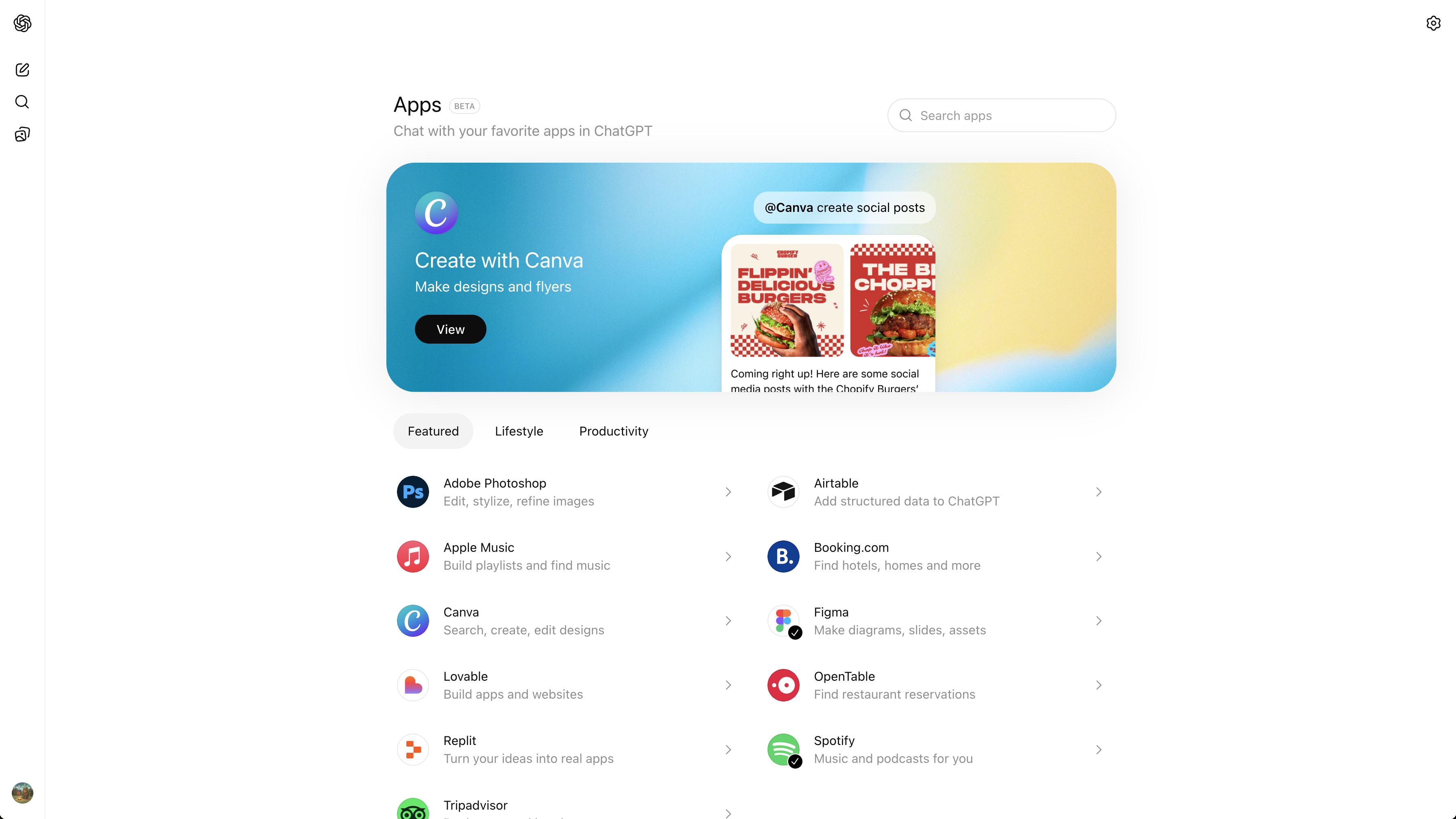
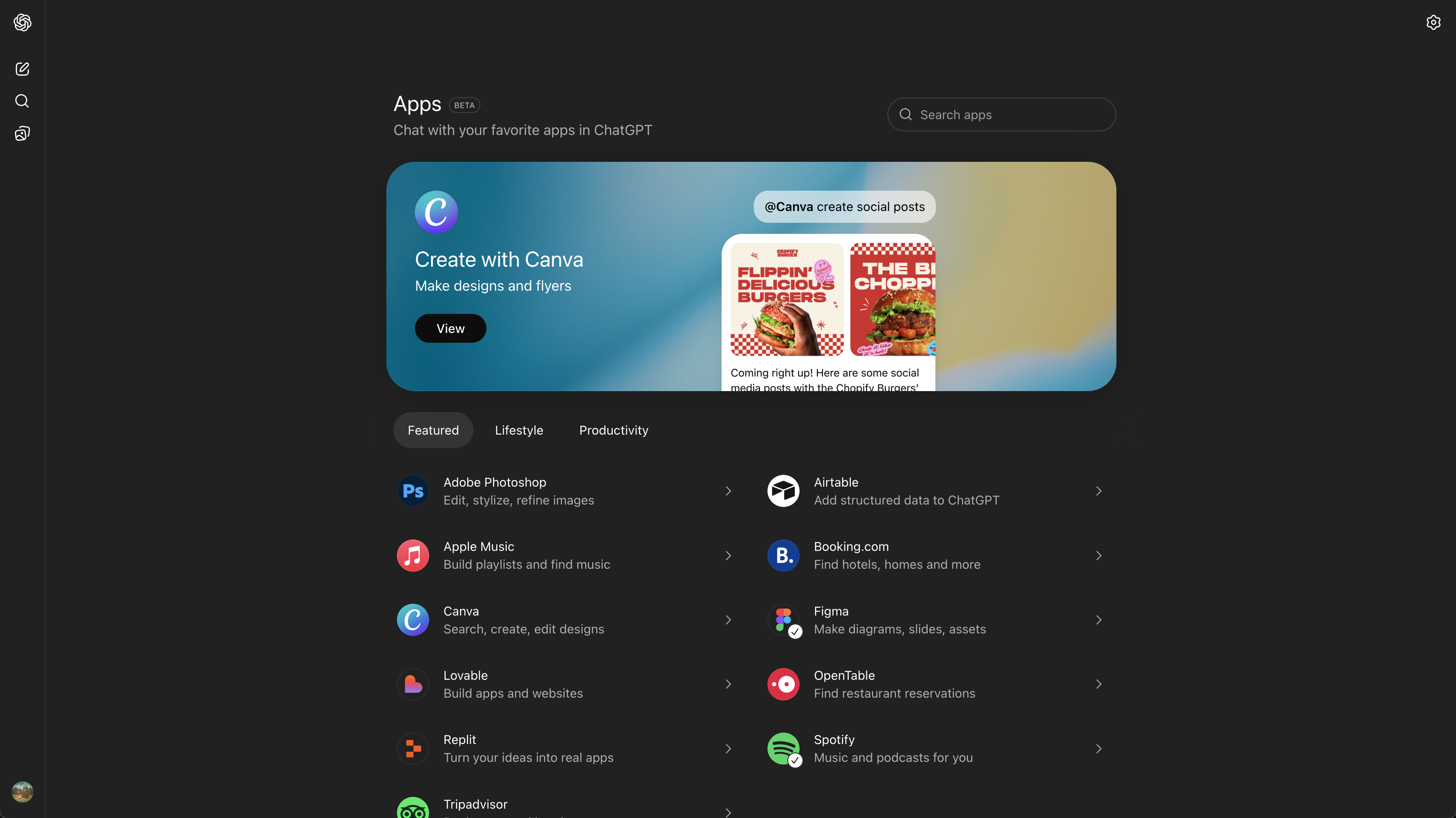
A ChatGPT App is defined by a few concrete properties:
- App experiences inside ChatGPT: The "surface area" is the chat itself—text plus embedded interactive UI—rather than a separate website or native app.
- ChatGPT can choose to invoke them: Your app isn't just a link; the model can decide when to call your tools based on user intent and conversation context.
- Tools + widgets: The core building blocks are server-side tools (capabilities) and client-side widgets (UI) that present results and capture the next user action.
- Conversational + visual interaction: Natural-language is the control plane, but the UI can take over for selection, confirmation, browsing, forms, and other high-signal interactions where chat alone is inefficient.
- A new application surface: For builders, this is best treated as a first-class product surface with its own UX rules, reliability needs, and distribution dynamics—rather than "a chatbot feature."
Why ChatGPT Apps Matter
In October 2025 (DevDay 2025), OpenAI introduced "apps in ChatGPT" alongside an Apps SDK, positioning ChatGPT as a place where third-party product experiences can run directly in-chat.
Why this matters in practical product terms:
- Platform shift: When an interface becomes a starting point for tasks (instead of a destination you navigate to), distribution changes. OpenAI explicitly frames apps as discoverable in conversation—suggested at the right time or invoked by name—inside ChatGPT.
- A distribution unlock: DevDay materials emphasized the scale of ChatGPT usage, and apps are designed to be used where that attention already is.
- Why early builders benefit: Early ecosystems tend to reward teams that learn the UX constraints and reliability expectations of the surface before patterns harden—especially around tool semantics, auth, latency budgets, and UI handoffs. OpenAI also moved toward an app directory and a submission process, which creates a concrete publication path.
- Why B2C and B2B teams will rush to build: The surface works for consumer intents (music, travel, shopping) and for work intents (research, reporting, CRM, planning) because it combines two things traditional apps rarely combine well: flexible natural-language intent capture and structured, permissioned execution through tools and UI.
How ChatGPT Apps Are Built Under the Hood
ChatGPT Apps Are MCP Servers
Under the hood, a ChatGPT App is powered by an MCP server.
MCP (Model Context Protocol) is an open standard for connecting AI clients (like ChatGPT or Claude) to external capabilities and data through a structured, secure interface. In practice: you implement a server that exposes typed "tools," and a client can discover and call them.
OpenAI's Apps SDK builds on MCP and extends it so an app can define not only capabilities (tools) but also interfaces (UI rendered in the chat).
Tools & Widgets
A useful mental model is: tools execute, widgets explain and advance.
- Tools are server-side operations the model can call—think "capability endpoints" with strict inputs/outputs. Your MCP server defines them, enforces auth, and returns structured results.
- Widgets are UI components rendered inside ChatGPT (typically in an iframe) that turn structured tool results into an interface: cards, lists, forms, pickers, confirmation screens, and next-step CTAs. They communicate with the host via a runtime API.
- OAuth is the default pattern for connecting a user's account to your service. You're expected to rely on standard OAuth practices and enforce scopes on every tool call.
MCP Apps vs ChatGPT Apps:
- A ChatGPT App is the product surface as implemented and distributed within ChatGPT using OpenAI's Apps SDK and submission ecosystem.
- An MCP App (more generally) is a pattern/extension in the MCP ecosystem for associating UI resources with tools so multiple clients can render interactive experiences consistently. This matters because it pushes UI binding toward a standard that isn't inherently tied to a single client.
Claude / multi-client compatibility:
Because MCP is an open protocol used across clients, the tool layer is inherently portable: an MCP server can be called by any MCP-capable client.
UI is the harder part: embedded widgets require the client to support the relevant UI extension/runtime. The direction of travel is toward more interoperability via the MCP Apps extension, but you should still design assuming "tools everywhere, UI where supported."
How ChatGPT Apps Work in Practice
Request Flow
At runtime, a ChatGPT App looks like a tight loop between user intent, model decisions, tool execution, and UI rendering:
- User expresses an intent in chat
- ChatGPT interprets it and selects an appropriate tool
- Tool call is sent to your MCP server
- Server executes (with auth/scopes) and returns structured results
- ChatGPT narrates and/or renders a widget inline for the next step
This is why "ChatGPT Apps" are not just integrations. The model is part of the control flow: it chooses tools, sequences steps, and decides when UI is necessary.
Tool + Widget Binding
A defining architectural detail: tool responses can be bound to UI.
In this architecture, the server doesn't only return data—it can also point the client to a UI bundle that should render for a given tool result.
Practically, this creates a clean separation of responsibilities:
- The toggle between "chat-only" and "UI-needed" becomes a product decision you encode through tool design and UI binding.
- The widget becomes the place where high-signal user actions happen (select, confirm, edit, checkout), while the model remains the orchestration and narration layer.
We'll explore how to design these tool/UI contracts for reliability and user trust in a future deep-dive.
Example Flows
Below are two interactive examples showing how ChatGPT Apps work in practice. Each demonstrates the full flow from user intent to tool invocation to widget rendering to completion.
Notice the pattern across both examples: chat sets direction; widgets handle commitment. That's the core product architecture of this surface.
The model interprets the user's intent, asks clarifying questions when needed, invokes the appropriate tools, and renders UI widgets at the moments where structured interaction is more efficient than typing. The user never leaves the conversation, but the experience includes rich, interactive components that make complex tasks feel simple.
What the ChatGPT Apps Lifecycle Looks Like
ChatGPT Apps fit cleanly into a familiar product lifecycle—just with different constraints and leverage points:
- Ideation: Start from intents users already express conversationally ("plan," "buy," "summarize," "organize").
- Planning: Define your tool surface area: crisp capabilities, minimal inputs, deterministic outputs where possible.
- Build: Implement an MCP server + auth + UI bundle that renders in-chat.
- Publish: Follow the submission and policy process for listing in ChatGPT's ecosystem.
- Discover: Users can invoke by name or encounter apps through in-context suggestions—so metadata, clarity of capabilities, and reliability matter.
- Monetize: Monetization is downstream of trust, utility, and repeat usage; the first order concern is building flows that consistently complete tasks without surprises.
- Optimize: Iterate on tool boundaries, latency, error handling, and UI handoffs based on where users hesitate or where the model chooses the wrong tool. We'll cover flow debugging and recovery patterns in detail in an upcoming post.
As teams mature on this surface, they typically move from "single tool calls" to sequenced flows (multi-step tool chains with consistent UI states), with explicit outcome tracking and better recovery paths when something fails. Building robust multi-step flows requires careful attention to state management and error recovery—topics we'll cover in depth later.
How ChatGPT Apps Differ From Traditional Apps
ChatGPT Apps differ in one fundamental way: the model is an active part of the runtime.
In a traditional app, the UI deterministically drives state transitions. In a ChatGPT App, the conversation and the model's interpretation sit between the user's intent and your capabilities—deciding what to call, when to ask, and when UI is required.
This changes what "product design" means: it's now about designing tool semantics and UI handoffs for a fundamentally new, probabilistic approach.